Guidelines for Processing Inward and Outward Documents
Operational Principles of the Electronic Official Document System
Core Approval Authority
Except for specific inward documents that may be approved on behalf by the first-level supervisor of the processing unit, all outward documents or self-created drafts must be approved by the Vice President at minimum.
(incl. Supervising VP)
Processing Inward Documents
Electronic Inward Documents
The entire workflow is conducted through online review and sign-off; no physical paper copies are provided by the Document Section. Once approved, submit online back to the Document Section for case closure.
Physical (Paper) Inward Documents
Review and sign-off are still conducted online. The Document Section scans the text into an electronic file. However, physical attachments that cannot be scanned will be routed to the unit's registration desk. The case officer must present the physical attachment for review during the sign-off process.
Processing Outward Documents
- Electronic & Attachment-Free Documents: Upon final approval, route online to the Document Section for verification and dispatch.
- Physical (Paper) Outward Documents: If a document must be sent physically, after approval, the hardcopy draft (with attachments) must be delivered to the Document Section. Simultaneously, the case officer must click the [Send to Document Section] button in the system.
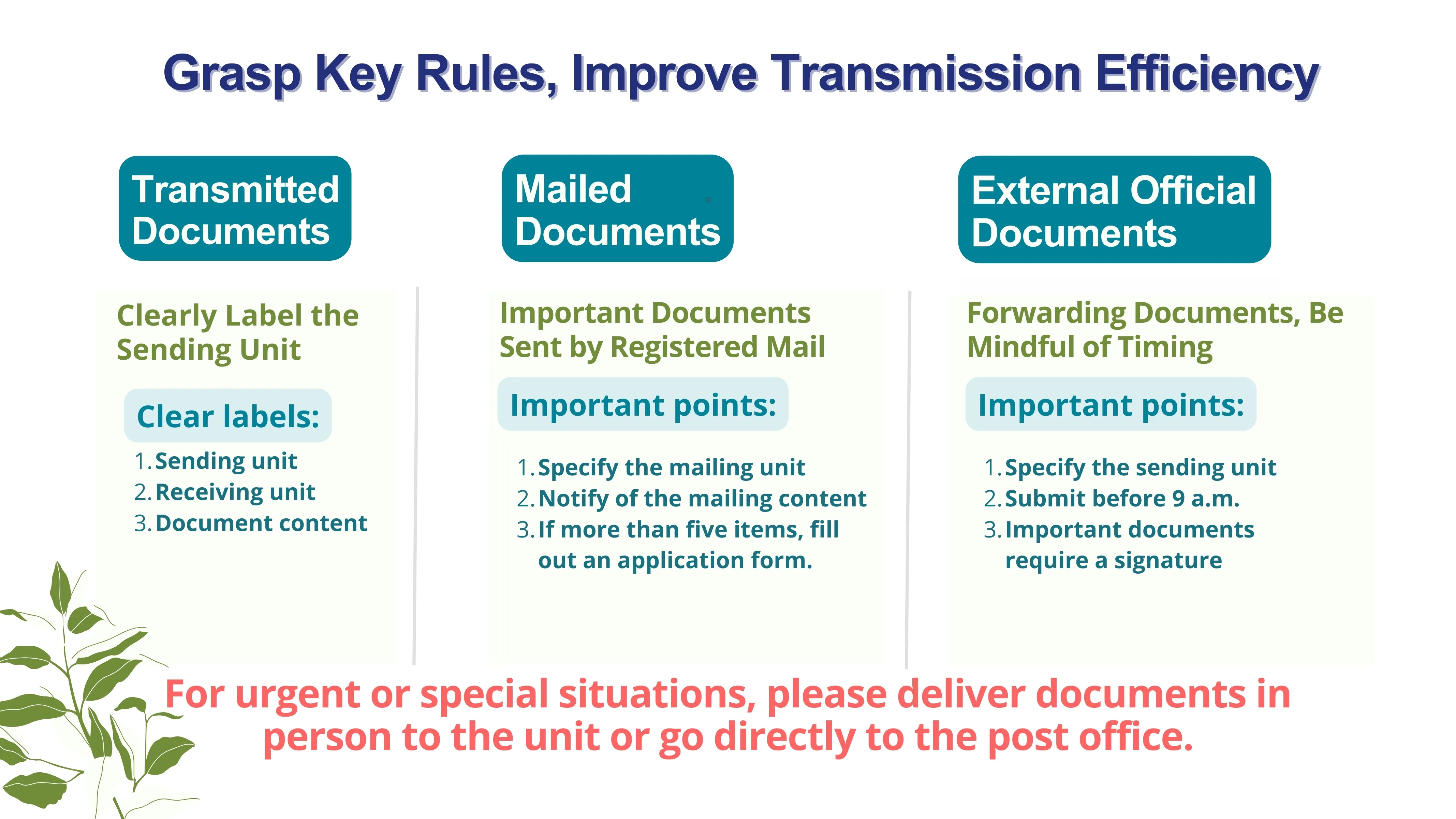
- Daily Dispatch Deadlines: Outward documents delivered to the Document Section before 15:30 will be processed on the same day. Submissions after 16:00 will be processed on the following business day.
- Single-Track System Operation: To simplify operations, the concurrent usage of both electronic and paper-based tracking methods has been officially discontinued.
Exceptions Allowed for Paper Transmission
Self-created drafts (proposals, official letters, internal announcements, meeting notices) must be transmitted electronically by default. Paper transmission is permitted only under the following circumstances:
- The document classification belongs to a Confidential / Secret level.
- Any attachment cannot be scanned into an electronic format, or the total size of all attached files exceeds 2MB (please refer to the ISU Electronic Document Online Review Guidelines).
- Any attachment requires an official institutional physical seal / stamp.
Efficiency Controls & Mandatory Fields
Automated E-mail Notifications
Confidential Envelope Application
If your business involves sensitive or confidential contents, follow these steps to request a confidential envelope:
For applications concerning the issuance or sealing of the "Certificate of Employment (Both Chinese & English versions)", please note that according to university regulations, the documents must be review-signed by the Office of Human Resources before being submitted to the Document Affairs Division. This will significantly expedite the final seal approval process.
Downloads