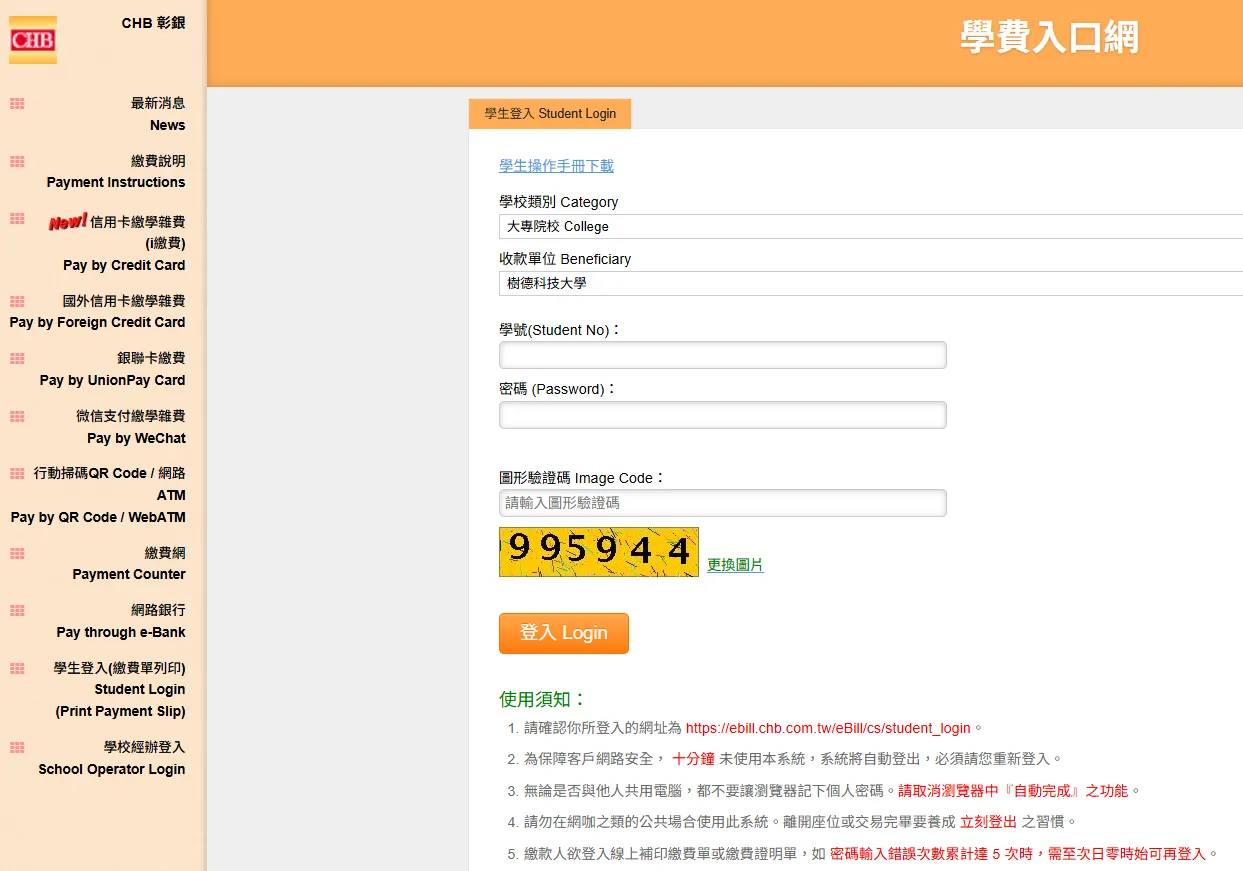
- Please visit the website: https://ebill.chb.com.tw/eBill/cs/student_login
- Download the user guide: 📄 manual download
- Click here for quick access: Student Login
-
Follow the selection steps:
Category ➔ College ➔ Beneficiary: ➔ I-Shou University - Please log in to the system with your Student No. and Password.
-
(I) Application for documents at counters:
- Application forms are available at Counter No. 6 of the Registration Section or can be downloaded on the Section’s website.
- Use the computers next to the entrance to the Administration Building to complete an application.
- Make your payment at the Cashier Section and keep your receipt as proof of payment.
- Submit the completed application form to one of Counters No. 1-4 for further processing.
- Pick up your document(s) at the Registration Section by showing the receipt.
(II) Alternative Method:
You may also use the automatic pay station on the right-hand side of the entrance to the Administration Building to make an application.
Administrative Campus
Office:
Office of General Affairs
Location:
Administrative Building, 1 Floor
Hours:
08:00 - 17:00
Medical Campus
Office:
Office of General Affairs
Location:
B Building, 1 Floor
Hours:
08:00 - 17:00
⚠️ Important Notice for Payments:
The Cashier Section's payment handling hours are strictly from 08:00 - 16:00.